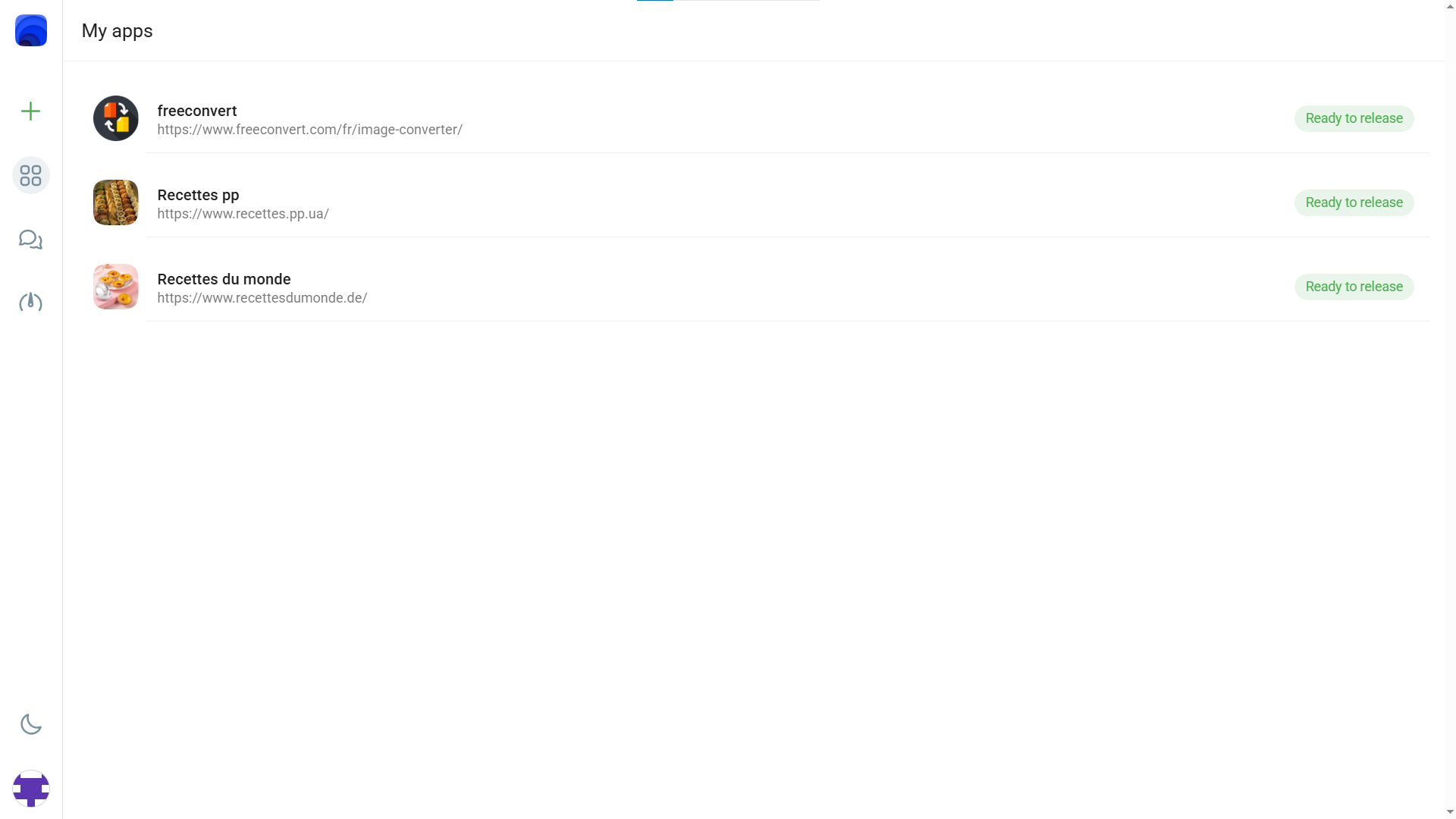
WebinApp converts your existing website into a fully functional Android & iOS application — no developers, no app store headaches, no code. Just your URL and minutes to launch.
No technical knowledge required. If you have a website, you have an app.
Paste the address of your website. WebinApp supports any website — blogs, eCommerce, SaaS, communities, and more.
Set your app name, icon, splash screen, colors, and navigation style. Make it look and feel completely native to your brand.
Use the built-in preview tool to simulate how your website looks and behaves inside a mobile environment before building.
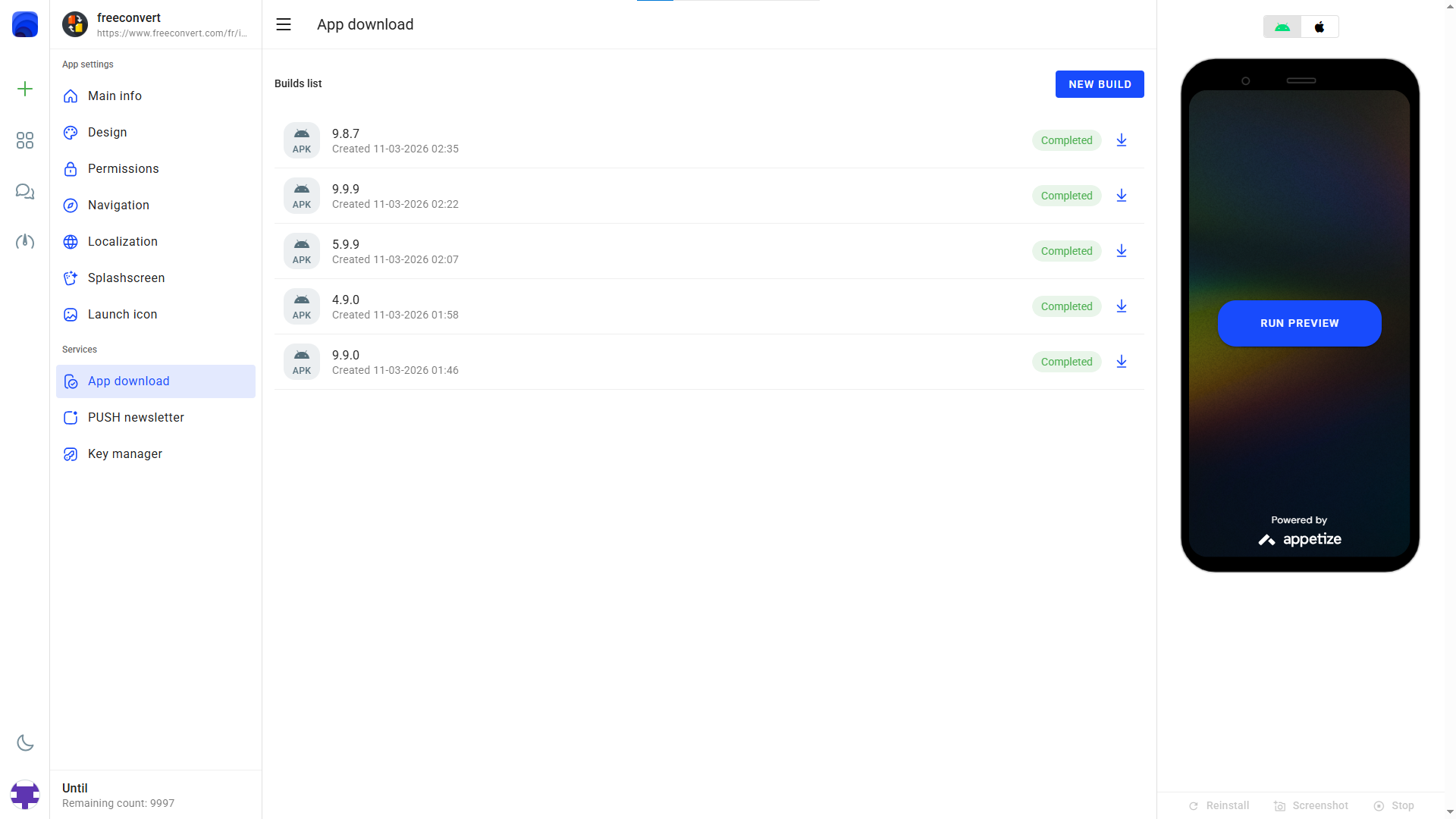
Click generate. WebinApp compiles your Android APK and iOS IPA files in minutes. Download and distribute instantly.
WebinApp packages enterprise-grade mobile tooling into a simple, browser-based interface.
Generate both Android APK and iOS IPA files from a single configuration. No need to manage separate codebases or tools — WebinApp handles the compilation for both platforms at once, using modern mobile runtime technology.
Simulate how your website looks inside a mobile container before committing to a build. Catch layout issues early and adjust settings in real time.
Configure icons, splash screens, navigation bars, color schemes, and layout settings so the final app perfectly reflects your brand identity.
Generate or upload your signing keys directly in the browser. No Android Studio or Xcode required — key management is fully handled within the platform.
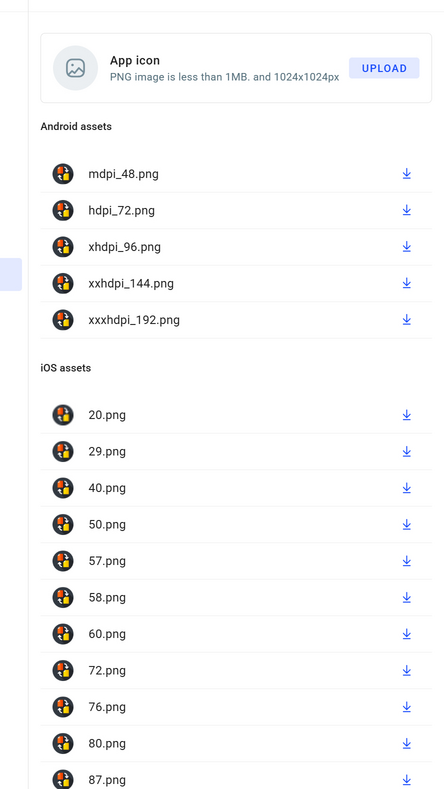
Upload your logo and let WebinApp generate correctly sized app icons for every screen density and platform requirement automatically.
The entire process — from URL input to downloadable app files — typically takes only a few minutes. Go from idea to mobile presence the same day.
Your signing keys and configuration data are handled securely. WebinApp never shares your data or distributes your app without your consent.
Manage all your applications from a single control panel. Update settings, regenerate builds, and keep your apps synchronized with your website.
No local installations, no command line, no IDE required. Everything happens in your browser — WebinApp is the only tool you need.
A closer look at the tools that make WebinApp the fastest way to go mobile.
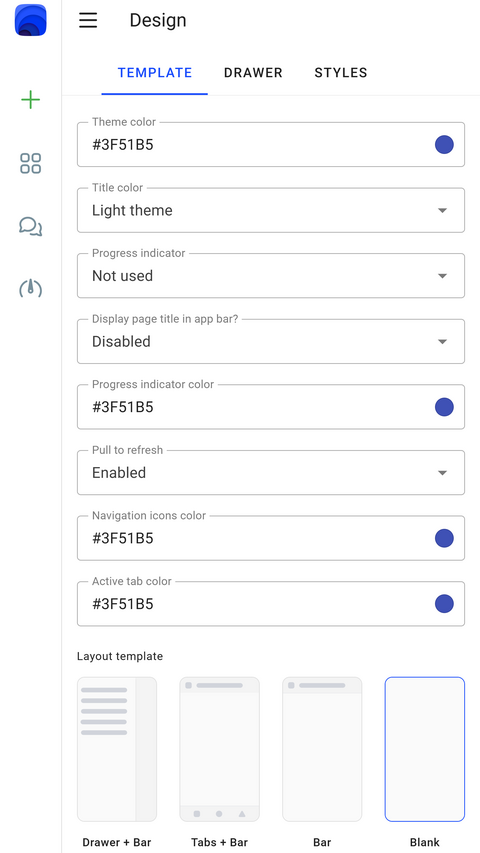
WebinApp gives you full control over the visual identity of your mobile application. Choose color themes, configure navigation styles, and set the overall layout so your app looks as polished as your website.
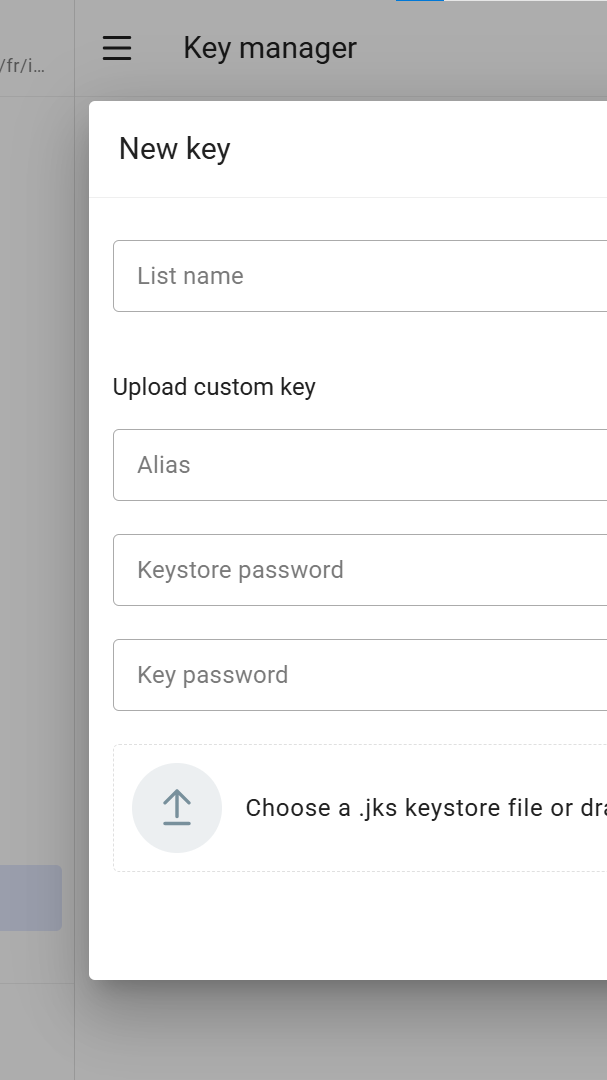
Publishing an app to Google Play or the App Store requires valid signing keys. WebinApp's built-in key manager lets you generate fresh keys or upload your existing ones — no local tools, no terminal commands.
The first thing users see on their home screen is your app icon. WebinApp makes it effortless to choose and configure a launch icon that represents your brand, automatically resized for every device density.
From solo bloggers to growing startups — anyone with a website can have a mobile app.
Give your online shop a dedicated app and boost customer retention with a native mobile experience.
Launch a mobile version of your SaaS product in minutes — no mobile dev budget required.
Let your audience install your blog as an app on their device for instant, offline-friendly access.
Extend your business website to mobile with a branded app your customers can always reach.
Online forums, membership sites, and communities benefit from a dedicated app to keep members engaged.
Stop delaying your mobile strategy. Enter your website URL, customize your app, and download your Android & iOS builds today — completely free to start.